 English
Tap to Pay on iPhone
Accept contactless payments right on your iPhone.
With Tap to Pay on iPhone and  APP, you can accept all types of in-person, contactless payments right on your iPhone—no extra terminals/readers or hardware needed.
APP, you can accept all types of in-person, contactless payments right on your iPhone—no extra terminals/readers or hardware needed.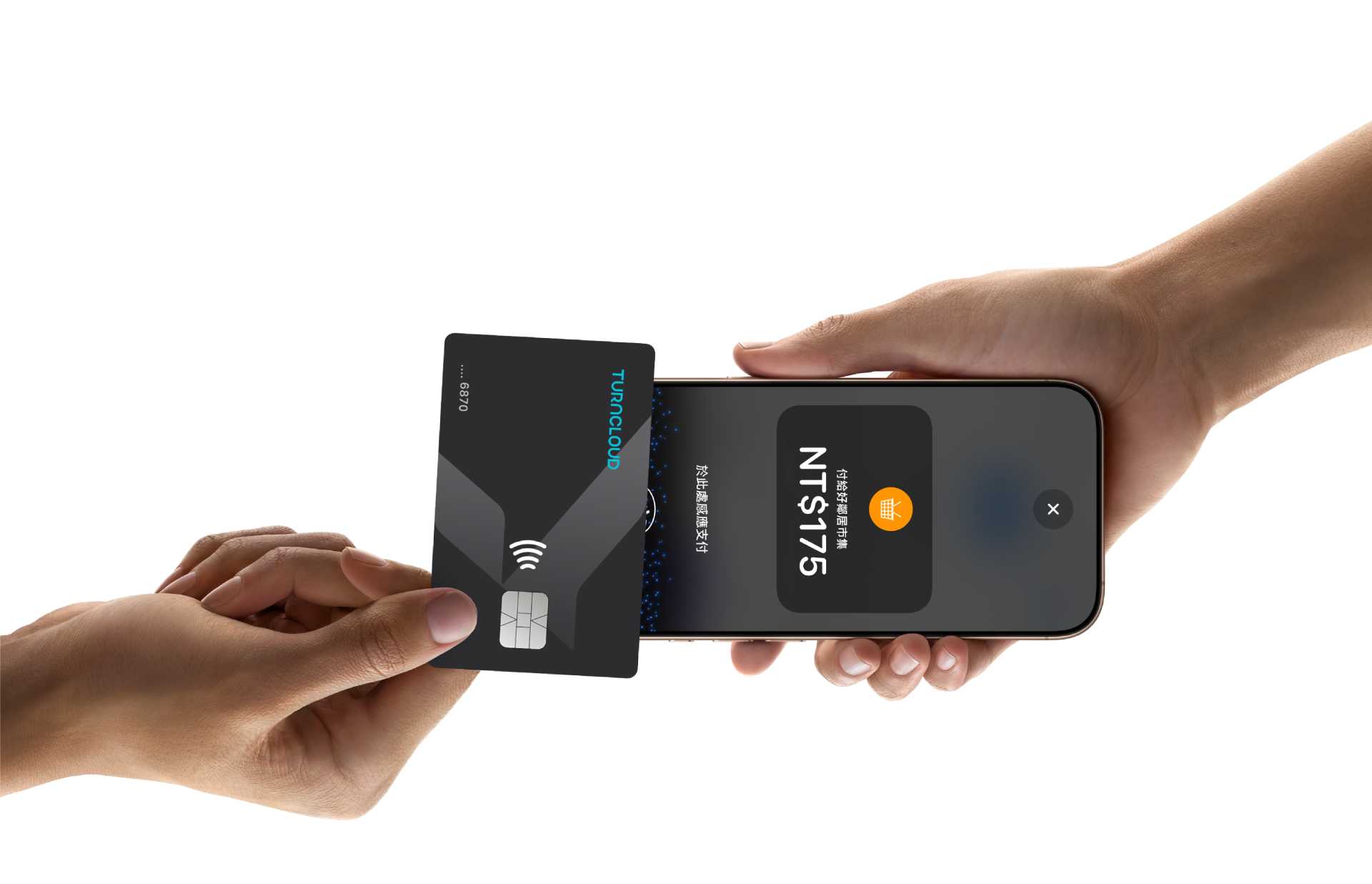
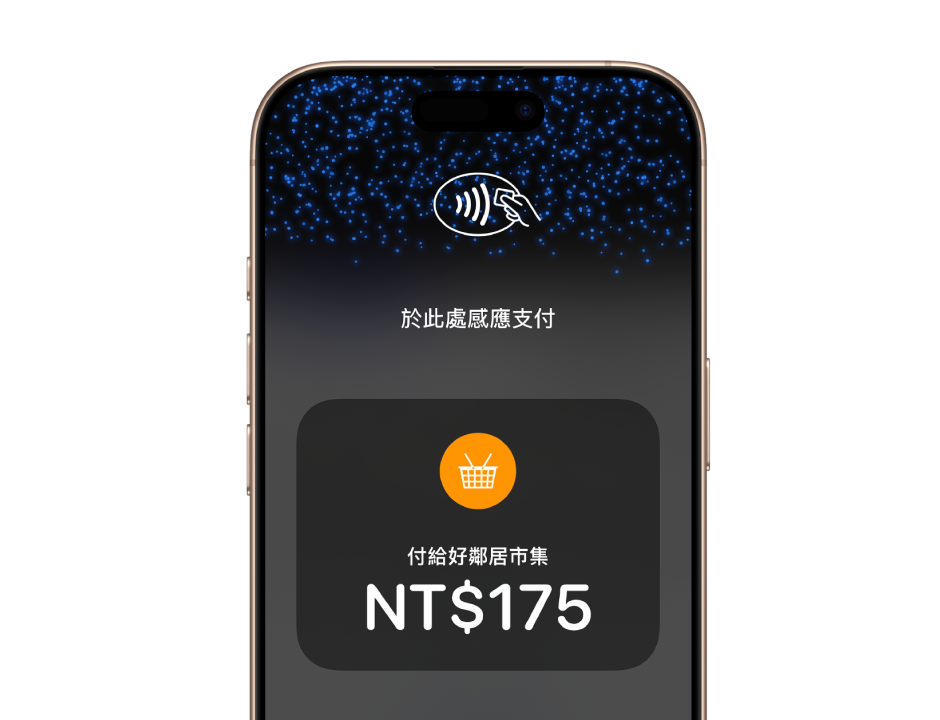

No terminal needed.
There’s no need to invest in and manage card readers and terminals, so Tap to Pay on iPhone makes it simple to start a new business or expand a current one. With just an iPhone and the APP, anyone can accept contactless payments. It’s that simple.
APP, anyone can accept contactless payments. It’s that simple.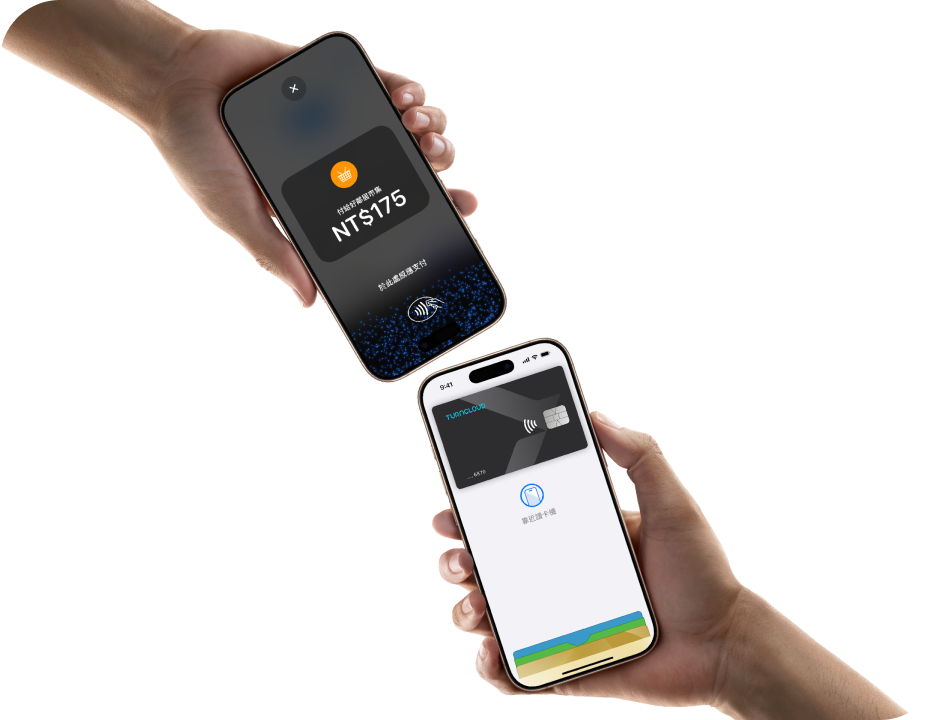

Expand where you do business.
With Tap to Pay on iPhone, now you can accept all types of in-person, contactless payments right on your iPhone and expand how and where you do business. Reach new customers with a simpler checkout experience, take payments on the go, and explore new setups, like line busting.

Privacy and security built in.
Tap to Pay on iPhone uses the built-in security and privacy features of iPhone to help protect your businesses and customers’ data. When a payment is processed, Apple doesn’t store card numbers or PIN information on iPhone or on Apple servers. So merchants and customers can rest assured that their data stays theirs.
Accepting payments is easy.
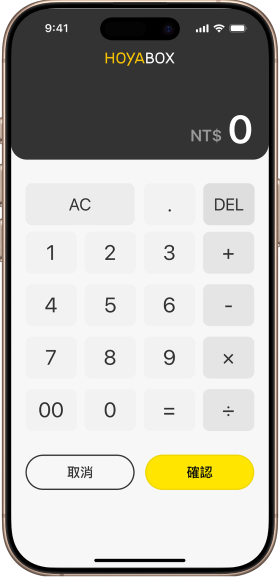
Open the APP on your iPhone, and entering the purchase amount.
APP on your iPhone, and entering the purchase amount.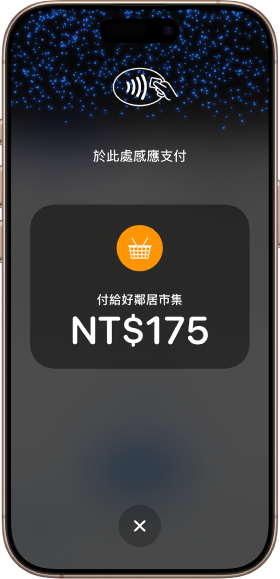
Present your iPhone to your customer.
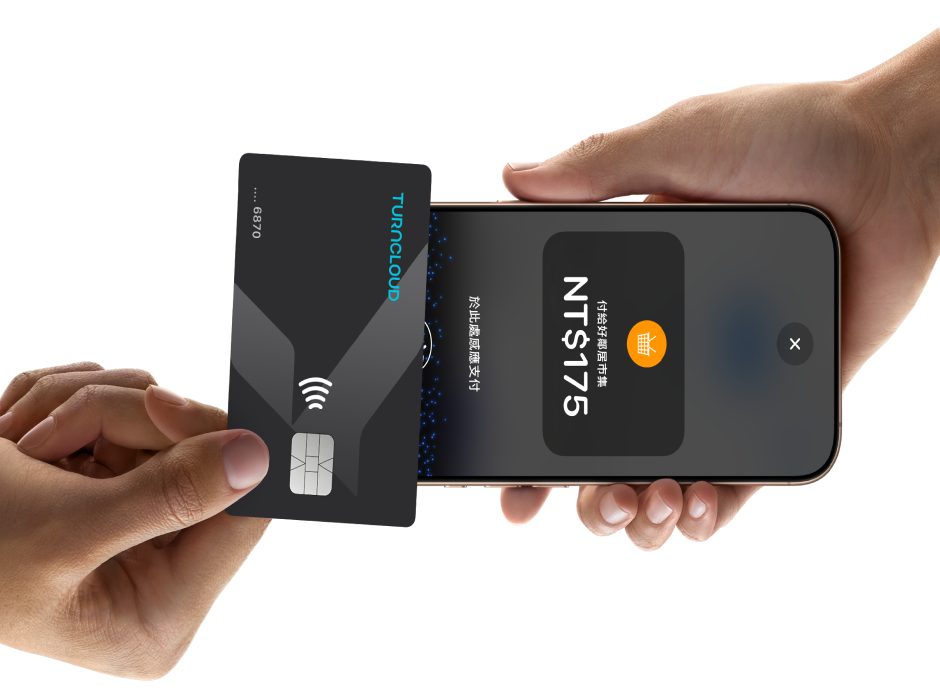
Your customer holds their card horizontally or their device at the top of your iPhone over the contactless symbol for a few seconds.
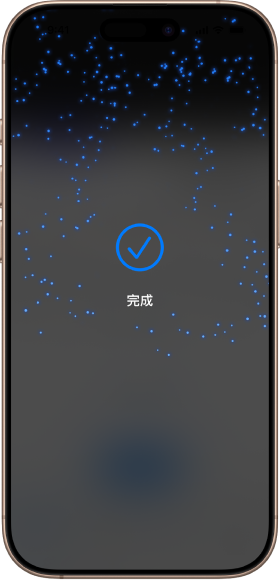
When you see the "Done" checkmark, the card read is complete and the transaction is being processed.
Get started with Tap to Pay on iPhone today.
常見問題
哪些裝置支援 iPhone 卡緊收?
「 iPhone 卡緊收」需要 iPhone XS 或以上版本的裝置。
我可以透過 iPhone 卡緊收
接受哪些付款類型?
您可以面對面接受所有感應式信用卡、簽帳金融卡、Apple Pay ,以及任何智慧型手機或智慧型手錶上的行動支付。
使用 iPhone 卡緊收,
收到的款項會存入哪裡?
iPhone 卡緊收收到款項後,匯入指定的銀行帳戶。
iPhone 卡緊收安全嗎?
「 iPhone 卡緊收」以 iPhone 內建的各項功能,保護業務與顧客資料的隱私與安全。處理收款時,Apple 不會將卡號儲存於裝置或 Apple 伺服器,確保你的業務由你掌控。
iPhone 卡緊收申請資格?
個人:年滿18歲的中華民國國民均可申請。
法人:擁有中華民國合法統一編號之公司行號。
iPhone 卡緊收收費費率如何計算?


Legal disclaimer
Tap to Pay on iPhone requires a supported payment app and the latest version of iOS. Update to the latest version by going to Settings > General > Software Update. Tap Download and Install. Some contactless cards may not be accepted. Transaction limits may apply. The Contactless Symbol is a trademark owned by and used with permission of EMVCo, LLC.Tap to Pay on iPhone is not available in all markets. For Tap to Pay on iPhone countries and regions, see
developer.apple.com/tw/tap-to-pay/#regionsContact